30 W
Mobile first.
Phone, tablet and some small USB-C laptops.
AND A COMPUTER?
Yes, for some sober models, including MacBook Airs. Sometimes slow charging in use.
60 W cable sufficient
THE NOMAD NOTEBOOK · GUIDE 03 / 03
Pairing battery or charger, USB-C cable and computer: markers from 30 to 240 W, Power Delivery compatibility and power available per port.
Go to the markersTHE OBJECTS OF THE GUIDE
A small charger, a power supply for the desk and a cable: every piece counts.
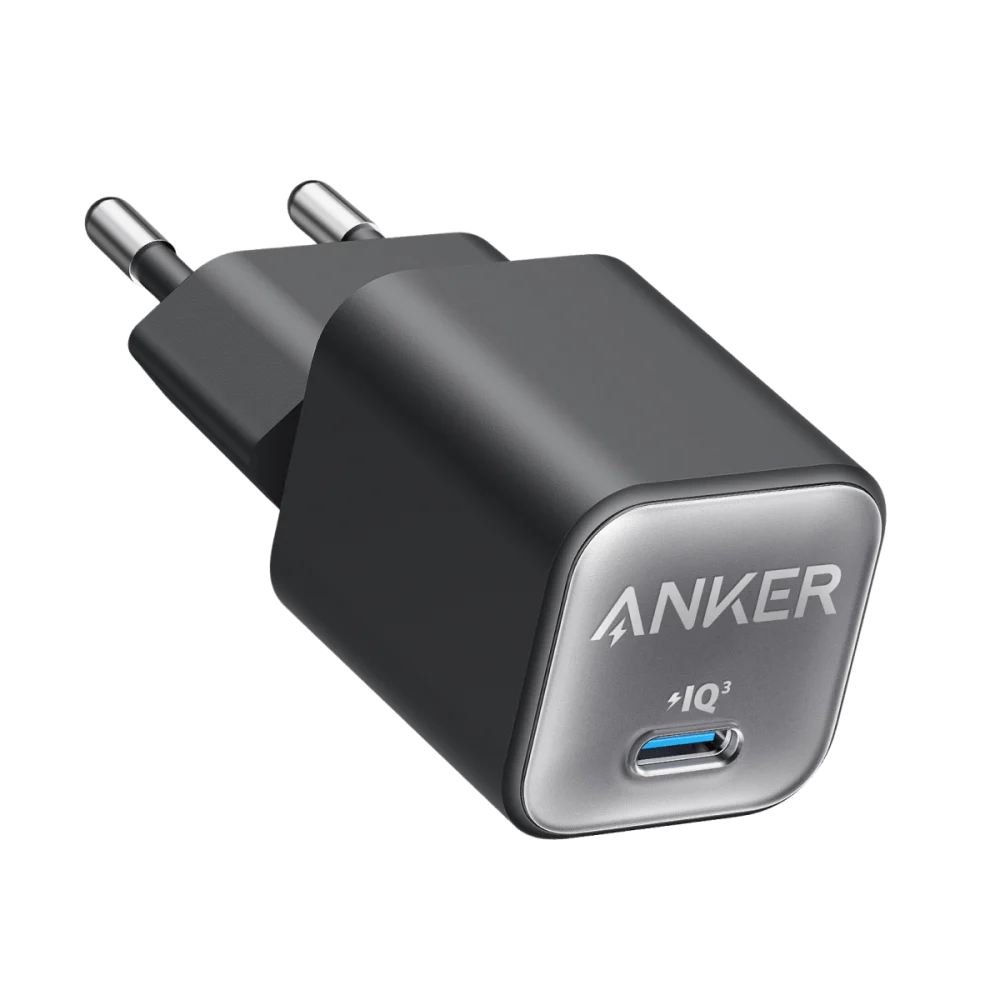
Anker
A single USB-C port for the phone, the tablet or a sober compatible device.
Discover the object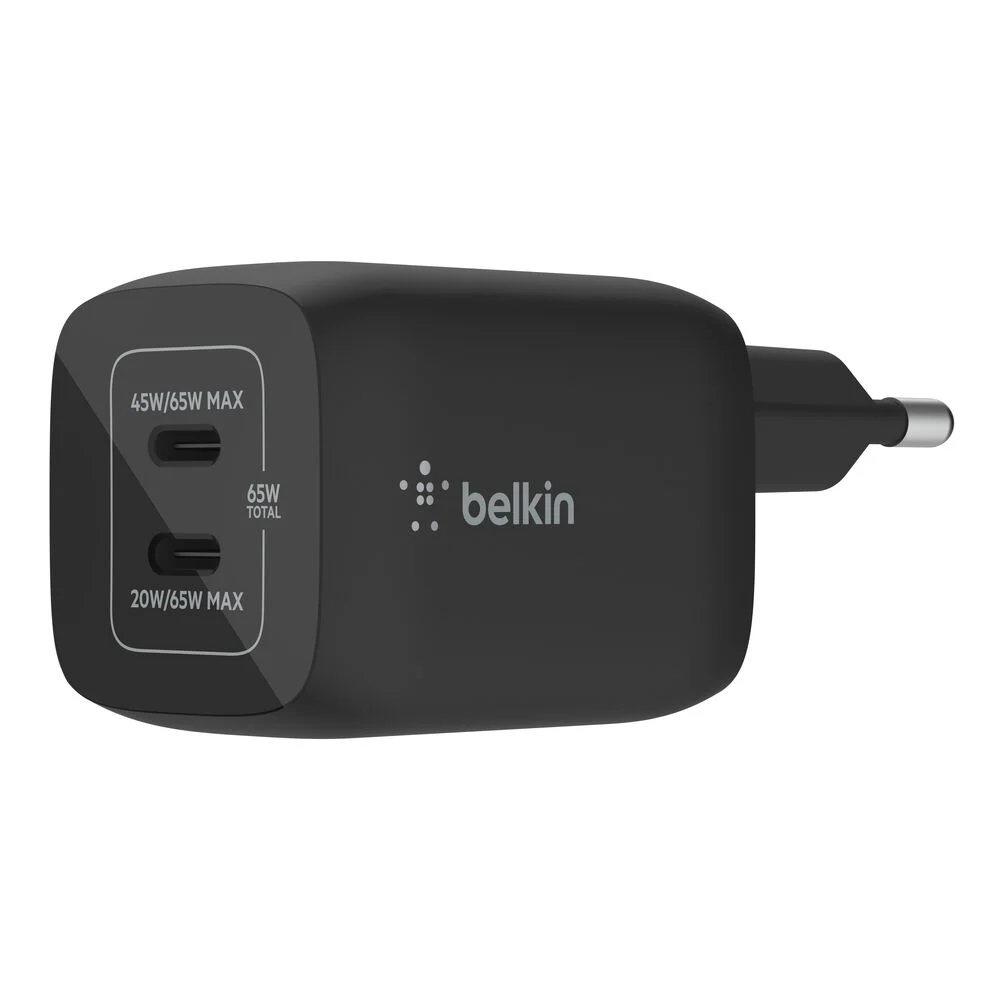
Belkin
65 W on one port, or 45 W + 20 W when both ports are used.
Discover the object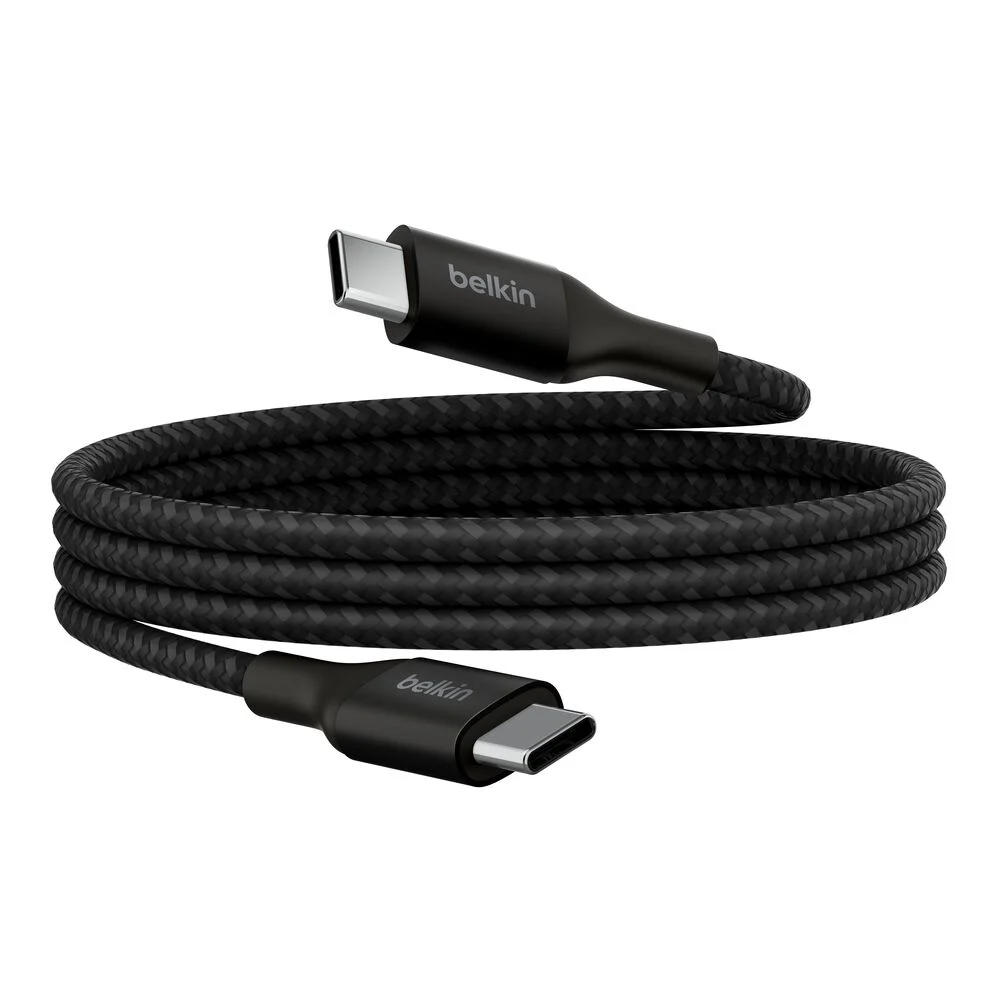
Belkin
For charging beyond 100 W with compatible gear. USB 2.0 data.
Discover the object03 / CONNECTING THE RIGHT OBJECTS
A battery or a charger. A cable. A device.
All three must speak the same language.
For USB-C Power Delivery (PD) charging, the number of watts is a ceiling. The device negotiates what it can receive. A 100 W charger can therefore power a phone without imposing 100 W on it.
Phone, tablet and some small USB-C laptops.
Yes, for some sober models, including MacBook Airs. Sometimes slow charging in use.
60 W cable sufficient
A common marker for an ultraportable compatible with USB Power Delivery.
Yes, if the model accepts this power supply. Compare with its recommended charger.
100 W or 240 W cable
For laptops that ask for more, or a charger shared between devices.
Yes, if 100 W are available on the port used and accepted by the computer.
100 W or 240 W cable
140, 180 or 240 W: the extended USB PD EPR range, on compatible gear.
To be checked by model and by port. A gaming laptop may still require its dedicated power supply.
240 W EPR cable
Look at the output power on a single port, then its distribution if several devices are plugged in. Example: the Belkin WCH013 goes from 65 W alone to 45 W + 20 W on two ports. Under-powered, a computer may charge slowly, lose battery in use or refuse to charge.
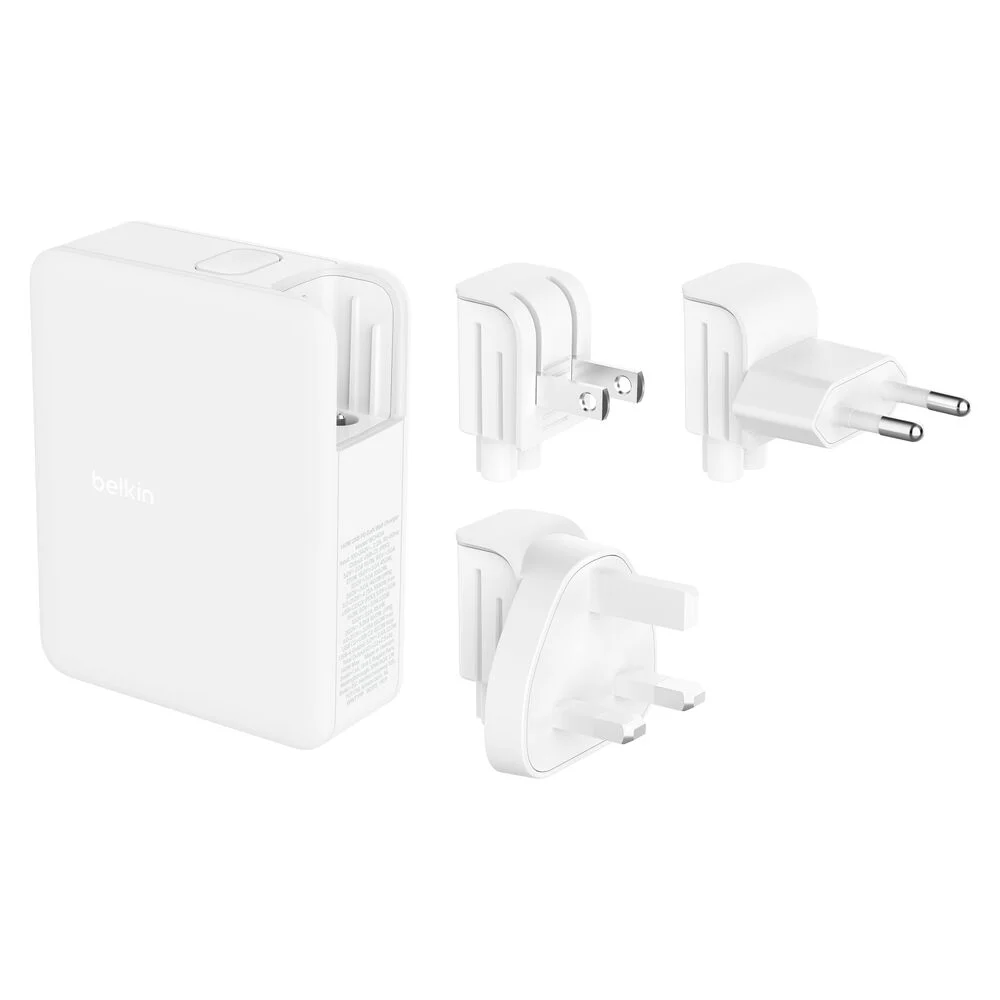
IN PRACTICE · TOTAL POWER
This Belkin states 140 W in total, shared between three USB-C and one USB-A. It is the power available on the port used that counts for your computer, especially when other devices are plugged in.
See the pageTHE CABLE MATTERS TOO
USB-C describes the connector. Power, data throughput and video are three characteristics to check separately.
Up to 20 V × 3 A. Suited to 30 W charging. It caps at 60 W in a chain designed for 65 W.
Up to 20 V × 5 A, with electronic identification ("e-marker"). An existing 100 W cable is suitable for 65 W or 100 W.
To go beyond 100 W, with a compatible USB PD EPR source and device. Also works at lower power; guarantees neither video nor fast transfer.
Current USB-IF markings distinguish 60 W and 240 W USB-C cables. An old 100 W cable does not become EPR-compatible.
THE WORKSHOP · INTERACTIVE TOOL
Pair a charger, a cable and a device. Visualise the power ceiling.
Understanding a little.
Carrying just enough.